Classification
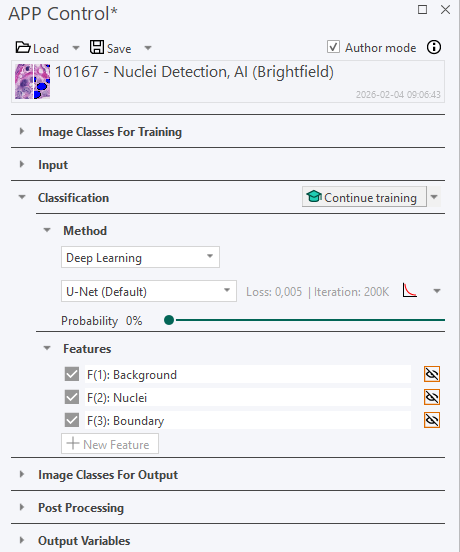
The Classification section is the 3rd section of the APP Control dialog and is used for the following:
-
Choose and adjust classification method
The classification method determines how the APP distinguishes between different image classes. It is not trivial which method is the best as it will depend on the case.
-
The classification is based on the underlying image features. Features that contain high contrast between the desired image classes should be constructed to ensure optimal classifier performance. The defined features can be the basic red, green, and blue bands of an image (default), any other bands of choice, or the result of one or more preprocessing steps applied to the bands. The features used in the classification are displayed in the Feature list. By default, the features consist of all color bands for all image channels. This enables the running of APPs on aligned serial stains of the same tissue.
| Element | Description |
|---|---|
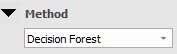 | Choose the classification method. Choose between No Classification, Deep Learning, Threshold, Bayesian, Decision Forest, K-means clustering, Detect region of interest, Phenotype, and Cell Classification. |
 | Pressing the Train button, will start training the classifier based on the drawn user specified training labels, see Image Classes on how to define image classes for training. The button is only visible for classification methods requiring training e.g. Bayesian and K-means clustering. |
 | Previews the classification in the FOV. If possible, the classification will only be previewed in the regions specified in the Regions to Analyze subsection. However, if a region of that type is not present in the FOV, it falls back to the parent level in the region hierarchy: (1) Entire Image, (2) Regions and (3) individual regions such as ROI 001 and ROI 002. |
 | Click this icon to toggle previewing the feature. Only one feature can be previewed at once. |
Not all of the fields described above are active for all classification methods, and for some methods, extra settings must be defined.