APP Execution
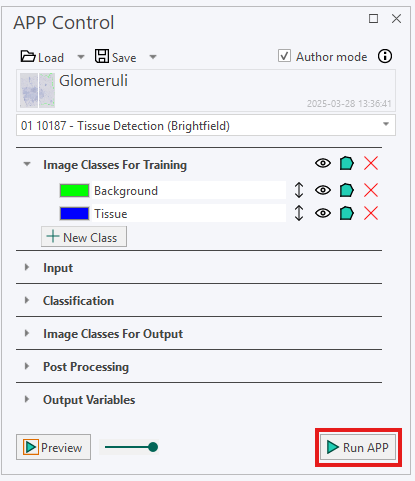
When an APP is ready to be executed in Visiopharm, click on 'Run' in either the ribbon or the APP Control.

note
Keep in mind that results from running an APP will not be automatically saved. Click Ctrl + S to save the results to the database.