Drawing Tool
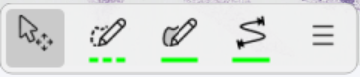
The Drawing Tool is an intuitive and interactive feature that allows the user to easily use the overlays. It is an expandable interface that ease the navigation of overlay tools. The Drawing tool is available from every module in Visiopharm as it is by default used to draw Regions of interest (ROI), Labels, and Annotations onto an image.
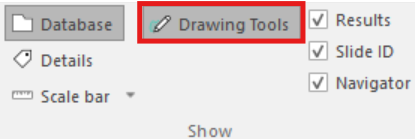
The Drawing Tool bar can be disabled and enabled from the ribbon.
There are three default overlay tools in the drawing tool:
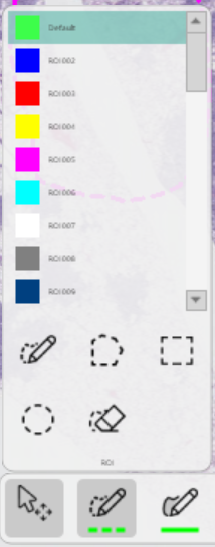
Region Of Interest (ROI) - Draw regions on the image which limits the focus of analysis to these areas.
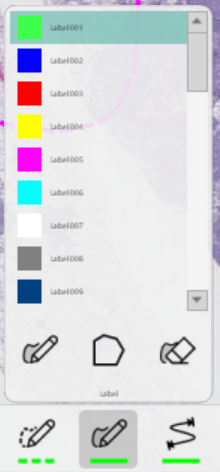
Label - Draw labels to train the APP to recognize a given tissue or tissue structure.
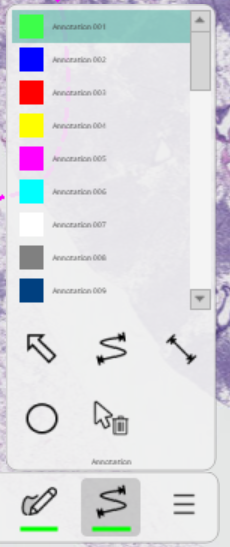
Annotation - Draw annotations to deploy informative notations on the image and/or use it to add geometric measurements of areas or distances along lines and curves in the image
When clicking on an overlay type, a list of drawing options will appear, along with a scrollable list of object types at the bottom of the menu.
The overlay properies menu icon  opens the Overlay Properties for the selected tool.