Importing images
To get started with using the database, images must first be imported.
- Click on
 and select New Images to database (import).
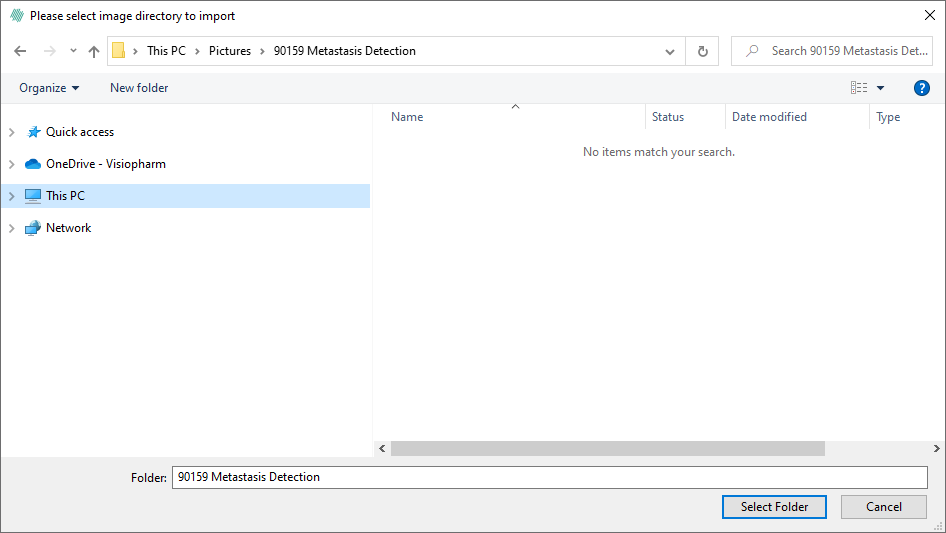
 - Browse and select the folder that contains the images to import. Click Select Folder.
note
The databse will not move or copy any images. The import only imports the location of the images to the database.
- All is the default setting for the import. If a specific image format is to be imported, it can be selected in the dropdown menu.
- Click Import folder.
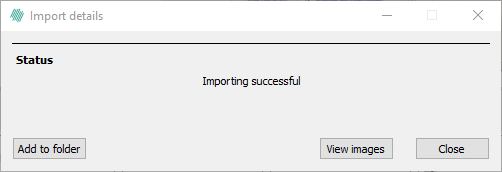
- The images are now successfully imported to the database.
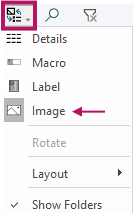
- click Show followed by image to see the imported images in the tab
 .
.
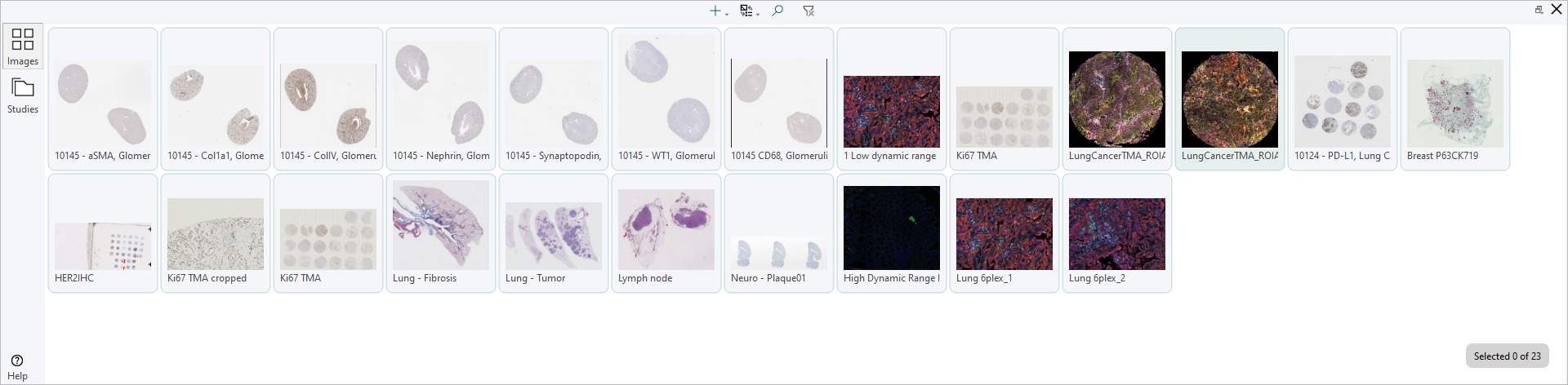
When the image(s) are imported to the database, they will be imported to the  tab by default.